
 How a collected trigger fires
For each collected factor the app keeps a daily value, from your wearable, your phone, your food or the weather for your city. Once an hour it checks that value against two lines: a fixed threshold, and two standard deviations from your own 14-day baseline. If either is crossed, the trigger is noted for that day, once, marked as automatic. It is an hourly check of daily values, not a live feed, so it appears within the hour.
 Active triggers
Home has an Active triggers card: the top three things pushing on your load right now, with how much each adds and for how many days. It is a list of what the app is comparing, not a verdict. Whether any of it matters for your attacks is what Insights works out over time. Active triggers is part of Premium.
 The ones you add yourself
No sensor knows you had a row or sat in a crowded lift. Those are manual: the situations above, plus skipped meal, low blood sugar, recent illness, hangover, alcohol, recreational drugs, a new or missed medication, missed sleep, a nightmare, physical exertion or inactivity, tobacco, allergies, hot weather, stress, a worry spiral, anger, feeling low, let-down after stress, menstruation, ovulation and a contraceptive. Add one from Quick Log on the day it happens, with or without an attack, or on the triggers page of the log.
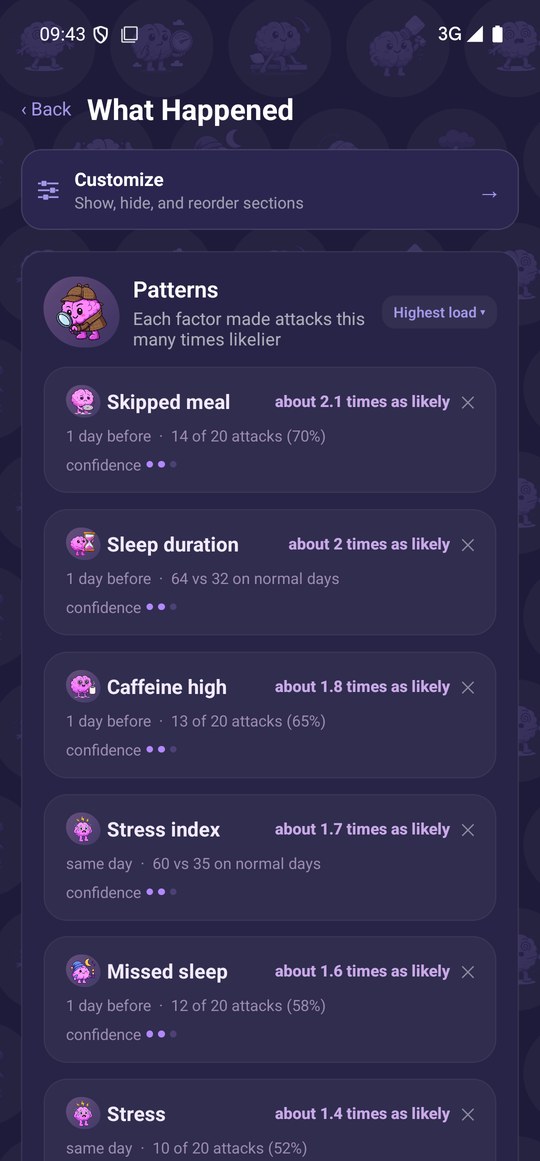
During setup you tick the situations your attacks tend to follow; those become one-tap favourites. Things you only note now and then are shown as a share of your attacks, because there is no fair day-by-day comparison for them. Collected factors get the stronger comparison: your days around an attack against your other days.
Switch off what you do not want
Every collected factor has its own switch in Data, and Manage Items holds the full trigger list. Anything you switch off, or never grant a permission for, simply stays empty while the rest carries on.
Where it lives in the app
Active triggers on Home lists what is pushing on your load now. The triggers page of the attack log and the Trigger tile in Quick Log hold the manual ones. Manage Items holds the full trigger list, Data holds a switch for every collected factor, and Monitor holds the graphs they come from.
What it needs from you
A few optional permissions, each with a reason: location for weather and altitude, at city level only; the microphone for noise levels, and only the level is kept; on Android, usage access for screen time and sleep timing. The manual triggers are yours to add when they happen. Anything you skip simply stays empty, and Active triggers is part of Premium.